
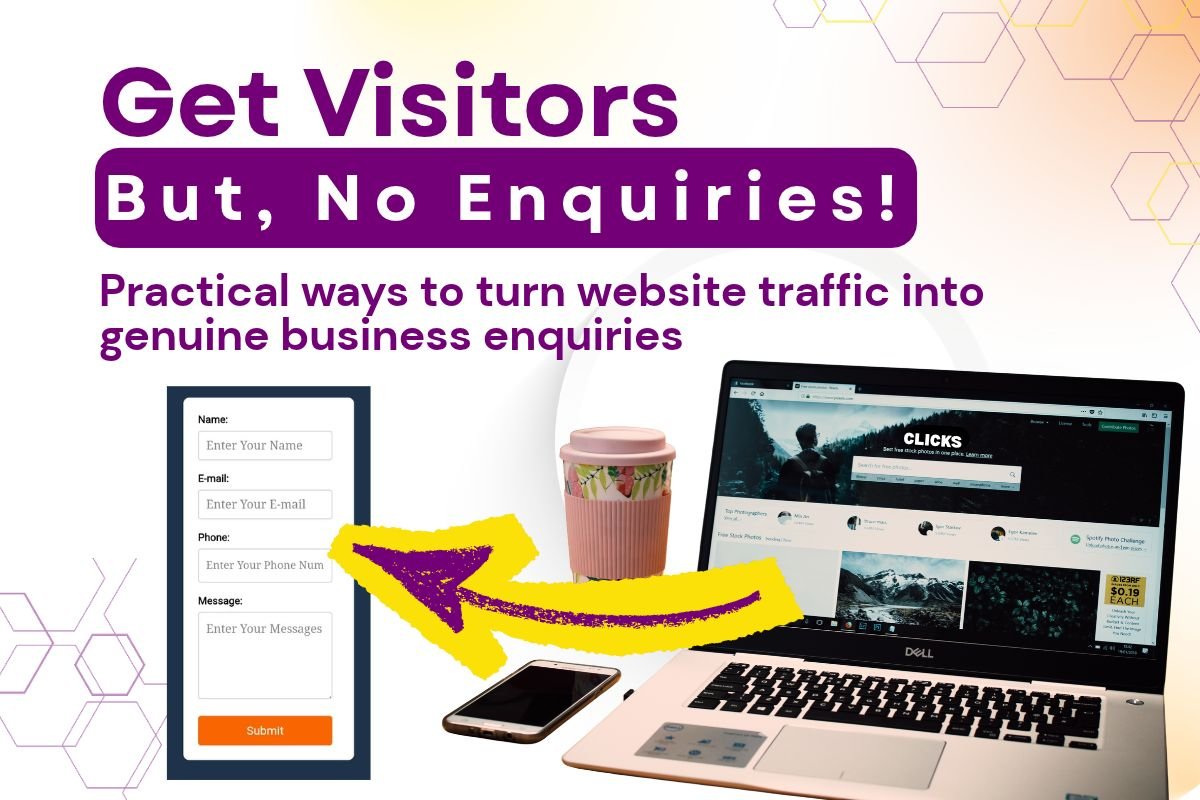
Business Website Gets Visitors but No Enquiries
Find out why your business website gets visitors but no enquiries, with practical fixes for messaging, trust, mobile usability, SEO and easier contact paths.
When a visitor lands on your home page or service page, they should understand what you do, who you help and where you work within a few seconds. If the headline only says “Welcome to our website” or uses a vague phrase such as “quality solutions”, visitors have to work too hard to decide whether they are in the right place.
This is often the first reason a business website gets visitors but no enquiries. The page may look attractive, but the message does not connect the visitor’s problem with your service.
- What do you offer? Name the service in familiar language rather than relying on a clever slogan.
- Who is it for? Mention the type of customer, property, industry or situation you understand best.
- Where do you serve? Include Mangalore, Bangalore, Karnataka or your actual service area if location matters to the buying decision.
| Traffic signal | What it may mean | Practical response |
| High visits to general blog posts | Visitors may be researching rather than comparing providers. | Add a relevant next step and link to the service that answers the topic. |
| Visits from outside your service area | The audience may not be able to buy from you. | Clarify your locations and review targeting, referrals and search terms. |
| Visits with very short engagement | The page may not match the search phrase or visitor expectation. | Compare the search intent with the page title, opening copy and offer. |
Review search queries, landing pages, locations and referral sources before judging the website conversion rate. The goal is not simply more traffic; it is more relevant traffic reaching a page that matches what it expected to find.
- Separate important services: Give each core service a clear section or page with its own explanation and call to action.
- Describe the right customer: Explain whether you work with homeowners, retailers, clinics, manufacturers, professionals or another audience.
- State the service area: Name the places you genuinely serve, including nearby towns or remote coverage where relevant.
- Set expectations: Explain what happens after someone contacts you, such as a call, site visit, quotation or discovery conversation.
This clarity is particularly important for a local business website. A customer in Mangalore may leave if the page looks like it serves only Bangalore, while a Bangalore business may lose trust if its location and availability are not explained at all.
- Specific experience: Explain the types of work, customers or situations you regularly handle without overstating your results.
- Reviews and testimonials: Use genuine feedback with permission, context and accurate attribution where available.
- Credentials and process: Show relevant qualifications, memberships, guarantees you can honour, or a clear explanation of how you work.
- Local relevance: Mention the areas, languages, regulations, travel considerations or customer needs that genuinely apply to your market.
- Visible business details: Include a real contact method, service area and an About page that helps people understand who is behind the business.
Trust should support the claim being made. Avoid anonymous testimonials, invented case studies or broad statements such as “the best in Karnataka” unless you can substantiate them.
- Page title and H1: Make them specific and aligned with the service or question the page addresses.
- Opening content: Confirm that the first paragraph supports the promise made in the search result or link.
- Headings and internal links: Organise the page logically and guide readers to a relevant service or contact page.
- Local signals: Use accurate service areas and business information instead of repeating place names unnaturally.
- Measurement: Track form submissions, phone clicks, email clicks and meaningful calls rather than relying on visits alone.
Measurement tells you where the problem sits. If people do not reach the service page, investigate search intent and internal links. If they reach it but do not interact, review the message, offer and trust. If they start a form but do not finish, test the form, confirmation message and follow-up process.
Follow-up matters too. A website may generate a call or form submission that is missed, answered late or not recorded. Agree who checks enquiries, how quickly the business responds and what counts as a qualified lead. Review the data regularly and make one sensible change at a time so you can learn what helped.
- Clarify the offer: Rewrite the headline and opening section so the service, audience and service area are immediately understandable.
- Confirm the traffic: Check search queries, locations, referral sources and landing pages to make sure the visitors are relevant.
- Strengthen the next step: Add a clear call to action and remove unnecessary steps from the contact process.
- Add credible proof: Include genuine reviews, experience, credentials, process details and local context that support the decision.
- Fix mobile friction: Test speed, readability, tap targets, pop-ups, forms and phone links on a real phone.
- Align on-page SEO: Match each page to one clear search intent and improve titles, headings, content and internal links.
- Measure and review: Track meaningful enquiry actions, check follow-up and review changes regularly.
