
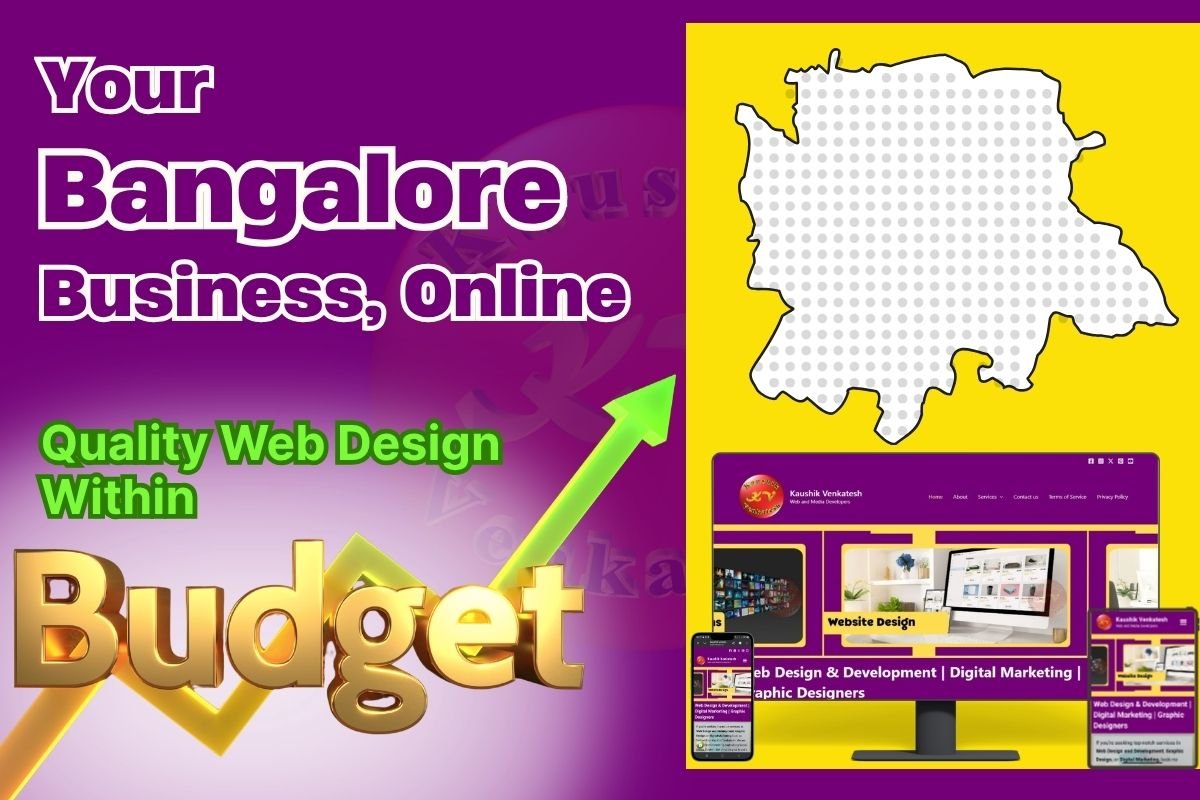
Affordable Website Design Services in Bangalore
Discover affordable website design services in Bangalore. Learn pricing, what’s included, and how to find quality designers on a budget in 2026.
This guide is part of our comprehensive resource on website designers in Bangalore.
- Custom or semi-custom design (not a generic template)
- Mobile-responsive layout that works on all devices
- Fast loading speeds (under 3 seconds)
- Basic on-page SEO (title tags, meta descriptions, sitemap submission)
- SSL certificate for security
- Contact forms and WhatsApp integration
- 1–3 months of post-launch support for bug fixes and tweaks
- Clear contract with defined scope and deliverables
Working with experienced affordable website designers in Bangalore ensures you get these essential features without overpaying.
- Pricing is under ₹10,000 with no clear explanation of what’s included
- There’s no contract or itemized quote
- The designer promises “instant rankings” or “#1 on Google guaranteed”
- Hosting, domain, and SSL are not mentioned
- There’s no portfolio of real client work
- Communication is vague or unresponsive
- Write optimized title tags and meta descriptions for every page
- Submit your sitemap to Google Search Console
- Implement clean URL structures
- Optimize images for speed and alt text
- Set up basic Schema markup (LocalBusiness, if applicable)
- Home
- About
- Services (or Products)
- Contact
- Privacy Policy / Terms of Service (optional but recommended)
Additional pages (blog, testimonials, FAQ) may cost extra or be part of higher-tier packages.
- E-commerce functionality (online store, payment gateways)
- Advanced custom features (booking systems, member portals, CRM integration)
- Ongoing monthly maintenance beyond the initial support period
- Premium hosting or dedicated servers
- Content writing (you’ll need to provide text and images, or pay extra)
For more guidance on selecting the right designer for your small business needs, read our guide on the best website designers in Bangalore for small businesses.
Learn more about professional website design services in Bangalore that prioritize value and transparency.
- Design and development costs
- Hosting and domain (included or separate?)
- Number of pages and revisions
- SEO setup
- Post-launch support duration
No hidden fees. No surprises.
Starter Package
- 5–7 pages (Home, About, Services, Contact, Privacy Policy)
- Mobile Responsive Design
- Basic SEO Setup (Title Tags, Meta Descriptions, Sitemap)
- Contact Form and WhatsApp Integration
- SSL Certificate
- 1 Month of Post-launch Support
Standard Package
- 8–10 Pages (includes Blog Setup, Testimonials, FAQ)
- Semi-custom Design (more Branding Flexibility)
- Advanced SEO (Schema markup, Google Search Console setup)
- Social Media Integration
- Image Optimization
- 2–3 Months of Post-launch Support
Premium Affordable Package
- 10–15 Pages (Fully Custom Layout)
- Custom Design tailored to your Brand
- Comprehensive SEO (Schema, Internal Linking, Keyword Optimization)
- Blog Setup with 2–3 Starter Posts
- Google Business Profile Integration
- 6–12 Months of Maintenance and Support
- Starter Package is best for new small businesses, solo entrepreneurs, service providers with simple needs.
- Standard Package is best for established small businesses, local shops, consultants, coaches.
- Premium Affordable Package is best for growing businesses, competitive industries, businesses serious about long-term online presence.
Pricing structures for affordable web design are similar across Karnataka. For a detailed comparison of what small businesses pay in nearby markets, check out our Website Design Cost in Mangalore – Complete Pricing Guide
- Number of pages: More pages = more design and content work
- Customization level: Fully custom designs cost more than semi-custom or template-based
- Features: E-commerce, booking systems, member areas, and integrations add cost
- Ongoing support: Longer support periods or bundled maintenance increase price
- Content creation: If the designer writes your content, expect to pay extra
- 50% upfront, 50% on completion
- Monthly payment plans (especially for packages with ongoing support)
- Discounts for annual maintenance contracts
Always clarify payment terms before signing.

1. What exactly is included in the quoted price?
Get a detailed breakdown. Don’t assume anything is included unless it’s in writing.

2. Are hosting and domain included or separate?
Some designers bundle hosting; others expect you to purchase it separately. Clarify upfront.
3. How many revisions are allowed?
Most affordable packages include 2–3 rounds of revisions. Additional changes may cost extra.

4. What happens after the initial support period ends?
Can you purchase ongoing maintenance? What are the rates for future updates or fixes?

5. Can I see examples of sites you’ve built in this price range?
Ask for live links (not just screenshots) so you can test speed, mobile responsiveness, and functionality.
6. Do you offer payment plans?
If budget is tight, ask if they offer installment payments or phased project delivery.

7. Will the site be SEO-ready?
Confirm that basic SEO (title tags, meta descriptions, sitemap, Schema) is included.
1. Prepare Your Content in Advance
The more you provide upfront—text, images, logos, branding guidelines—the faster and cheaper the project. Content creation takes time and often costs extra.

2. Be Clear About Your Goals and Must-Have Features
Know what you need: contact forms, WhatsApp integration, blog, testimonials, etc. Prioritize essentials and skip nice-to-haves that inflate cost.

3. Prioritize Mobile Responsiveness and Speed
These are non-negotiable. A slow or mobile-unfriendly site will cost you customers and rankings. Make sure your designer prioritizes both.

4. Invest in Basic SEO from Day One
SEO isn’t optional. Even affordable packages should include title tags, meta descriptions, sitemap submission, and Schema markup. Don’t skip this.
For a deeper dive into SEO-friendly web design practices, explore our guide on website designers in Bangalore who specialize in search optimization.

5. Plan for Ongoing Maintenance (Even If Minimal)
Websites need updates—WordPress core, plugins, security patches. Budget for at least annual maintenance to keep your site secure and functional.
6. Use WordPress or Another User-Friendly CMS
If your site is built on WordPress, you can make simple updates yourself (blog posts, images, text changes) without paying for every tweak.
Ready to explore professional, affordable website design services in Bangalore? Visit our complete guide: Website Designers in Bangalore – Professional Development Services for more insights, pricing breakdowns, and hiring checklists.