WordPress Website Design in Mangalore – Professional Development Services
Professional WordPress website design in Mangalore. Custom themes, mobile-responsive, SEO-optimized, and fast-loading sites for local businesses. Get a quote today.
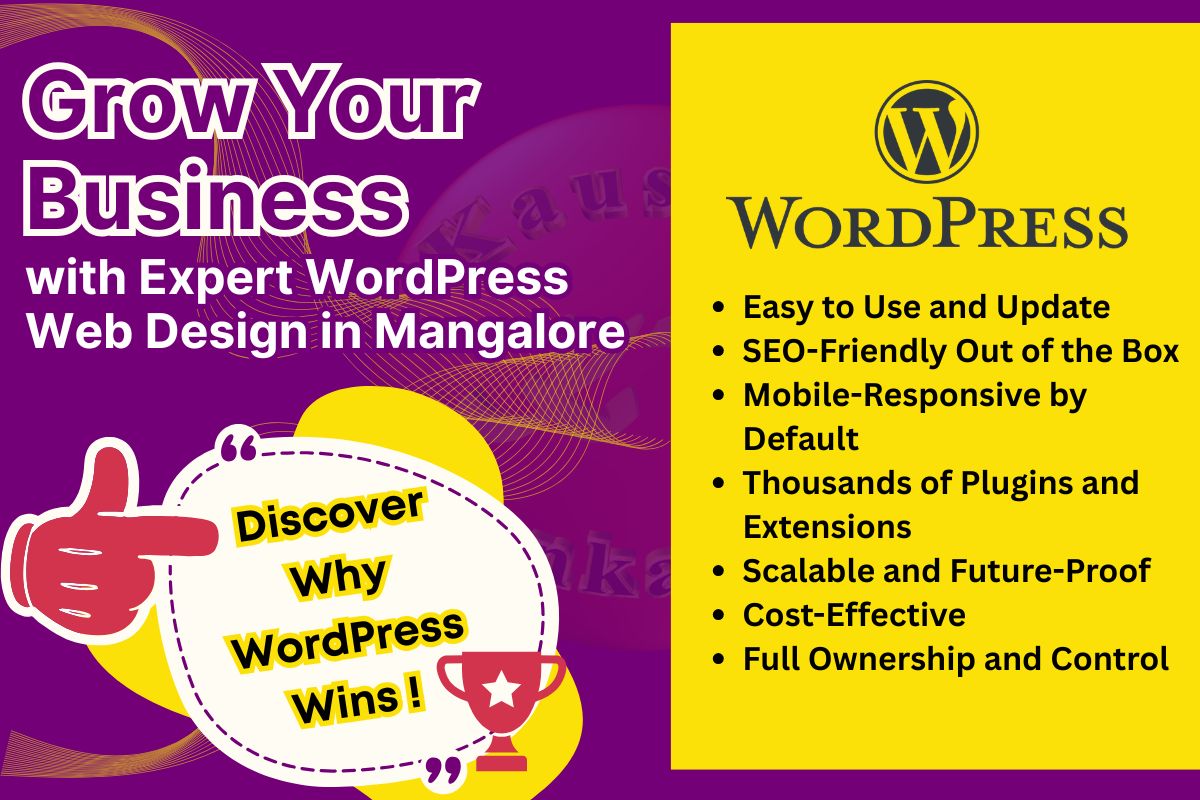
WordPress powers over 43% of all websites on the internet—and for good reason. It’s flexible, powerful, SEO-friendly, and perfect for businesses of all sizes. If you’re looking for professional WordPress website design in Mangalore, you’ve come to the right place.
In this comprehensive guide, We will explain why WordPress is the best choice for your business, what makes a great WordPress website, and how to choose the right WordPress developer in Mangalore. Whether you’re starting from scratch or redesigning an existing site, this guide will help you make informed decisions.
By the end of this article, you’ll understand the benefits of WordPress, what to expect from the development process, and how to ensure your WordPress site is fast, secure, and optimized for search engines.

1. Flexibility and Customization
WordPress can handle any type of website:
- Business websites and portfolios
- E-commerce stores (with WooCommerce)
- Blogs and news sites
- Membership sites and online courses
- Booking and appointment systems
- Real estate listings
- Restaurant menus and online ordering
Whatever your business needs, WordPress can do it.

2. Easy to Update and Manage
You don’t need coding skills to update your WordPress site. The intuitive dashboard lets you:
- Publish blog posts
- Upload images and videos
- Update contact information
- Manage products (if you have an online store)
This means you’re not dependent on a developer for every small change—saving you time and money.

3. SEO-Friendly by Design
WordPress is built with clean, semantic code that search engines love. Combined with SEO plugins like Rank Math or Yoast, you can easily:
- Optimize title tags and meta descriptions
- Generate XML sitemaps automatically
- Add schema markup for rich snippets
- Optimize images with alt text
- Create SEO-friendly URLs
For Mangalore businesses competing for local search visibility, WordPress gives you a strong foundation. I provide comprehensive SEO services in Mangalore to help your WordPress site rank higher.

4. Mobile-Responsive Out of the Box
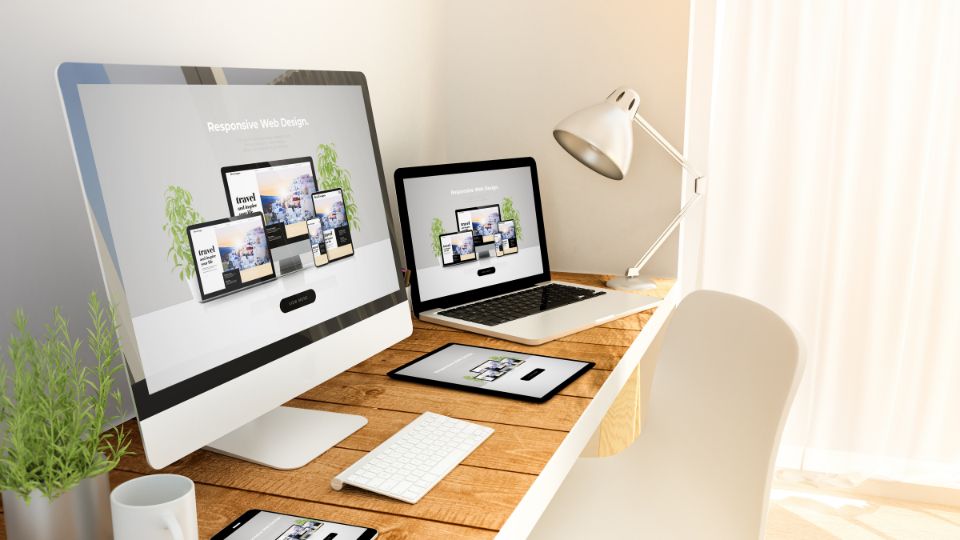
In today’s digital age, having a mobile responsive site is crucial for businesses and individuals alike. This is where WordPress shines as it provides mobile responsiveness out of the box. Ensuring that your content is easily accessible on smartphones and tablets can greatly enhance user experience and keep visitors engaged.
Modern WordPress themes are mobile-responsive by default, meaning your site automatically adapts to phones, tablets, and desktops. With over 60% of web traffic coming from mobile devices, this is non-negotiable in 2026.

5. Secure and Regularly Updated
WordPress core software is constantly updated to fix security vulnerabilities and add new features. With proper security measures (SSL certificates, regular backups, security plugins), WordPress sites are highly secure.

6. Thousands of Plugins and Themes
Need a contact form? There’s a plugin. Want to add live chat? There’s a plugin. Need appointment booking? There’s a plugin.
WordPress has over 60,000 free plugins and thousands of premium themes, giving you endless possibilities without custom coding.
7. Cost-Effective
WordPress itself is free and open-source. You only pay for:
- Hosting (₹5,000 – ₹10,000/year)
- Domain (₹1,000 – ₹2,500/year)
- Premium theme
- Development and customization
This makes WordPress one of the most cost-effective platforms for small and medium businesses in Mangalore. For detailed pricing, check out my guide on website design cost in Mangalore.

8. Scalable as Your Business Grows
Start with a simple 5-page website and add features as you grow:
- Add a blog to attract organic traffic
- Add e-commerce to sell products online
- Add membership features for exclusive content
- Add booking systems for appointments
- Add multilingual support for broader reach
WordPress grows with your business.
1. Custom Design (Not Just a Template)
While WordPress themes provide a starting point, professional developers customize them to match your brand:
- Custom color schemes matching your brand
- Custom typography and fonts
- Custom layouts for key pages
- Custom graphics and imagery
- Unique design elements that stand out
A professional website designer in Mangalore will ensure your site doesn’t look like a cookie-cutter template.

2. Fast Loading Speed
Speed matters. Google uses page speed as a ranking factor, and users abandon slow sites. A professional WordPress developer optimizes for speed:
- Lightweight, optimized themes
- Image compression and lazy loading
- Caching plugins (WP Rocket, W3 Total Cache)
- Minified CSS and JavaScript
- Content Delivery Network (CDN) integration
- Database optimization
Target: Under 3 seconds load time on mobile.
3. Mobile-First Design
Your WordPress site should be designed for mobile first, then adapted for desktop. This means:
- Touch-friendly buttons and navigation
- Readable text without zooming
- Fast loading on mobile networks
- Mobile-optimized images
- Simplified mobile menus

4. SEO Optimization
Professional WordPress development includes on-page SEO:
- Proper heading structure (H1, H2, H3)
- Optimized title tags and meta descriptions
- Schema markup for rich snippets
- XML sitemap generation
- Clean, SEO-friendly URLs
- Image alt text optimization
- Internal linking structure
- Google Analytics and Search Console integration

5. Security Hardening
A secure WordPress site includes:
- SSL certificate (HTTPS)
- Regular automated backups
- Security plugins (Wordfence, Sucuri)
- Strong passwords and user permissions
- Two-factor authentication
- Regular WordPress core and plugin updates
- Firewall protection
- Malware scanning
6. User-Friendly Navigation
Visitors should find what they need in 3 clicks or less:
- Clear, logical menu structure
- Prominent call-to-action buttons
- Search functionality (if needed)
- Breadcrumb navigation
- Footer links to important pages

7. Conversion-Focused Design
Your WordPress site should turn visitors into customers:
- Clear value proposition on homepage
- Strategic placement of contact forms
- Click-to-call buttons for mobile users
- Trust signals (testimonials, certifications, reviews)
- Strong calls-to-action throughout
- Easy-to-find contact information

8. Accessibility
Professional WordPress sites are accessible to all users:
- Proper color contrast for readability
- Keyboard navigation support
- Screen reader compatibility
- Alt text for all images
- Accessible forms and buttons
Verdict: WordPress is better for serious businesses that want control, flexibility, and long-term growth.
Verdict: WordPress is better if you want a business site with e-commerce. Shopify is better if you only need an online store.
Verdict: WordPress is better for 95% of businesses. Custom coding only makes sense for very specific, complex requirements.
- Initial consultation (in-person or video call)
- Discuss your business goals and target audience
- Review competitor websites
- Define required features and functionality
- Choose hosting and domain (if not already done)
- Sign contract and pay deposit
- Share your vision and requirements
- Provide brand assets (logo, colors, fonts)
- Identify websites you like for inspiration
- Select and customize WordPress theme
- Create homepage design mockup
- Design key interior pages
- Present designs for your review and feedback
- Revise based on your input
- Review designs promptly
- Provide specific, actionable feedback
- Approve final design direction
- Install WordPress on your hosting
- Install and customize theme
- Build out all pages and sections
- Add your content (text, images, videos)
- Install and configure essential plugins
- Set up contact forms and integrations
- Implement SEO optimization
- Add security measures
- Provide all content (text, images, videos)
- Answer questions about functionality
- Review progress at checkpoints
- Test on multiple devices (desktop, tablet, mobile)
- Check all links and forms
- Test page speed and optimize
- Validate HTML and CSS
- Check SEO elements
- Run security scans
- Review the staging site
- Test functionality yourself
- Report any issues or concerns
- Final client approval
- Launch site live on your domain
- Set up Google Analytics and Search Console
- Submit sitemap to search engines
- Provide training on how to update content
- Hand over all login credentials and documentation
- Approve final site for launch
- Attend training session
- Ask questions about managing the site
- Monitor for any issues
- Make minor adjustments as needed
- Provide support for questions
- Ongoing maintenance (if contracted)
- Report any issues promptly
- Consider ongoing maintenance package
Total Timeline: 3-4 weeks for a typical business WordPress site.
- Custom theme customization
- Mobile-responsive design
- Basic on-page SEO
- Contact form
- Google Analytics setup
- 30 days post-launch support
- Everything in Basic package
- Custom design elements
- Advanced functionality (booking, membership, etc.)
- Blog setup
- Schema markup
- Social media integration
- 60 days post-launch support
- Everything in Advanced package
- WooCommerce setup and configuration
- Product catalog (up to 50-100 products)
- Payment gateway integration
- Shipping configuration
- Inventory management
- Order management system
- 90 days post-launch support
- Fully custom theme development
- Complex functionality and integrations
- Custom plugins
- API integrations
- Advanced security
- Performance optimization
- Ongoing support
For a complete breakdown, see our website design cost guide for Mangalore.
WordPress provides a flexible foundation for businesses that want to establish a strong online presence. Explore our website services for businesses in Mangalore to discover professional solutions for website design, development, SEO, maintenance, and long-term online growth.
WordPress Website Design in Mangalore FAQ
We also provide ongoing SEO services in Mangalore to help your site rank higher.
If you’re ready to build a professional, fast, and SEO-optimized WordPress website for your Mangalore business, let’s talk.
📞 Phone: +91 9242956344
📧 Email: contact@kaushikvenkatesh.com
🌐 Website: kaushikvenkatesh.com
Or visit our main website design services in Mangalore page to learn more and request a quote.
With professional WordPress development, you get a website that looks great, performs well, ranks in search engines, and serves your business for years to come.