How to Choose a Website Designer in Mangalore – Complete Guide 2026
Hiring a website designer in Mangalore? Ask these 10 critical questions first. Complete guide to choosing the right designer for your business in 2026.
Choosing the right website designer can make or break your online presence. With dozens of designers and agencies in Mangalore offering web design services, how do you pick the one that’s right for your business?
In this comprehensive guide, we will walk you through exactly what to look for when hiring a website designer in Mangalore. Whether you’re a small business owner, startup founder, or established company, these insights will help you make an informed decision and avoid costly mistakes.
By the end of this article, you’ll know the 10 essential questions to ask, red flags to watch out for, and what to expect from the design process.
As experienced website designers in Mangalore, we’ve built our process around transparency, technical excellence, and measurable results.
Before selecting a website designer, it is helpful to understand the website design, development, SEO, and maintenance services available in your area. Visit our Mangalore website services hub to explore practical digital solutions designed to help local businesses build visibility and grow online.
Before we dive into the selection criteria, let’s address a common question: why hire locally when you can work with designers anywhere in India or even globally?

Face-to-Face Communication
Working with a Mangalore-based designer means you can meet in person to discuss your project, review designs, and build a stronger working relationship. This is especially valuable for complex projects or if you prefer hands-on collaboration.

Local Market Knowledge
A designer who understands the Mangalore market knows what resonates with local customers. They understand regional preferences, cultural nuances, and what works for businesses in coastal Karnataka.

Faster Response Times
Being in the same timezone (and often the same city) means quicker communication, faster revisions, and easier coordination. No waiting for responses across time zones.

Easier Payment & Legal
Local transactions are simpler—no international payment hassles, clearer contracts under Indian law, and easier recourse if issues arise.

Support Local Business
Hiring locally supports the Mangalore economy and builds a network of trusted professionals you can work with long-term

Right Choice
If you’re looking for professional website designers in Mangalore, understanding these selection criteria will help you make the right choice.
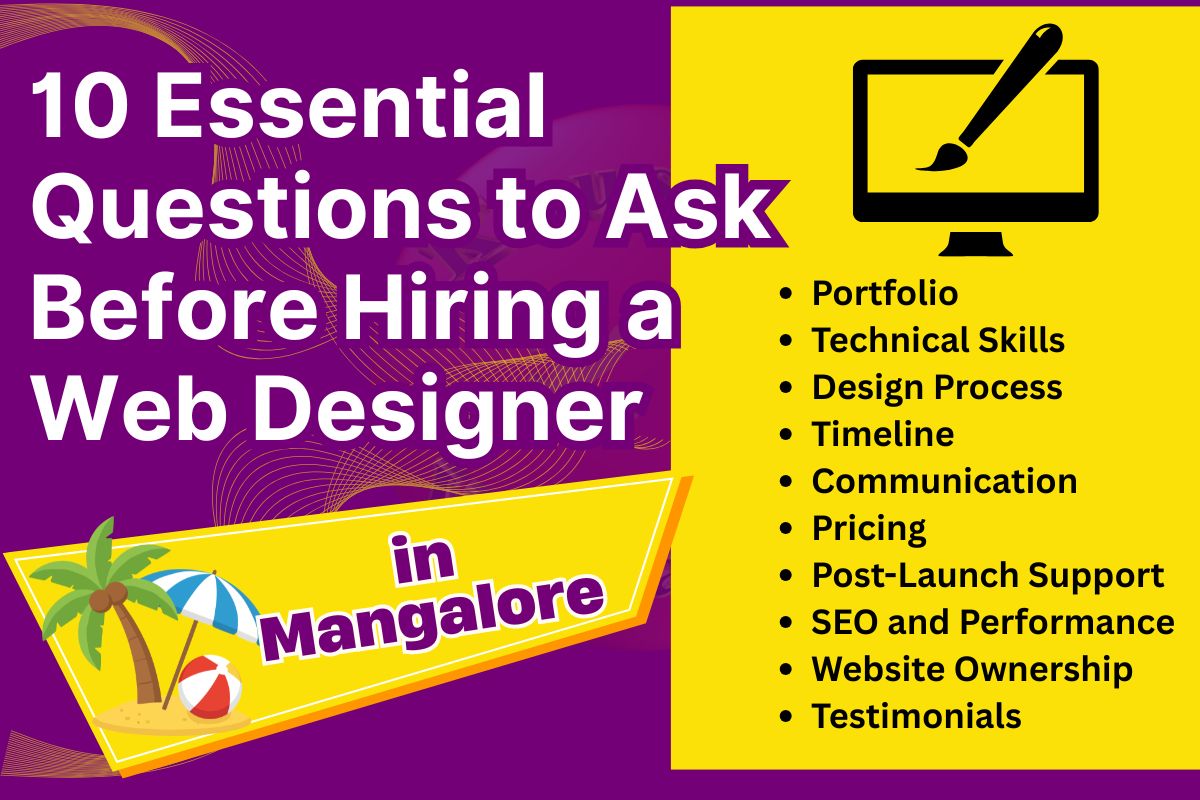
- Design quality: Are the websites visually appealing and modern?
- Variety: Can they handle different industries and styles?
- Functionality: Do the sites work well, or just look pretty?
- Results: Do they share metrics (traffic, conversions, rankings)?
- “Can you show me 3-5 websites you’ve designed for businesses similar to mine?”
- “What results did those clients achieve after launch?”
- “Can I contact any of your past clients for references?”
- “What platform do you recommend for my type of business, and why?”
- “Do you handle mobile optimization and SEO?”
- “What’s your process for ensuring fast loading speeds?”
- “How do you handle website security and backups?”
- “Can you walk me through your design process step-by-step?”
- “How long will my project take from start to launch?”
- “How many revision rounds are included?”
- “What do you need from me, and when?”
- “How often will you update me on progress?”
- “What’s the best way to reach you if I have questions?”
- “How quickly do you typically respond to messages?”
- “Do you use any project management tools?”
- “Can you provide a detailed quote breaking down all costs?”
- “What’s included in the base price, and what costs extra?”
- “Are hosting, domain, and SSL included or separate?”
- “Do you charge for revisions beyond the included rounds?”
For detailed pricing information, check out my comprehensive guide on website design cost in Mangalore
- “What support do you provide after the website launches?”
- “Do you offer ongoing maintenance packages?”
- “What’s included in maintenance, and what’s the cost?”
- “Will you train me to make basic updates myself?”
- “How do you optimize websites for search engines?”
- “Will my site be fast and pass Google’s Core Web Vitals?”
- “Do you set up Google Analytics and Search Console?”
- “Can you help with ongoing SEO after launch?”
We provide comprehensive SEO services in Mangalore including on-page optimization and technical SEO for all our website projects.
- “Will I own the website and all assets after launch?”
- “Will I have full admin access and hosting control?”
- “Can I move the website to another host if needed?”
- “Will you provide all source files and design assets?”
- “Can you provide 2-3 references I can contact?”
- “Do you have Google reviews or testimonials I can read?”
- “What do past clients say about working with you?”
- “How many revision rounds are included?”
- “What’s your process for incorporating my feedback?”
- “What happens if I’m not satisfied with the final result?”
- “Do you offer any guarantees or refund policy?”

- Initial consultation (in-person or video call)
- Discuss goals, audience, competitors, and brand
- Review examples of sites you like
- Define scope, timeline, and pricing
- Sign contract and pay deposit
- Designer creates basic layout (wireframes)
- You review and provide feedback
- Finalize page structure and navigation
- Plan content requirements
- Designer creates visual mockups (homepage first)
- You review and request revisions
- Finalize design direction
- Apply design to remaining pages
- Designer builds the site in WordPress (or chosen platform)
- Adds your content (text, images, videos)
- Implements functionality (forms, e-commerce, etc.)
- Optimizes for mobile and speed
- You review the live staging site
- Test on different devices and browsers
- Request final revisions
- Approve for launch
- Designer launches the site live
- Sets up Google Analytics and Search Console
- Provides training on how to update content
- Hands over all access and documentation
- Monitor for any issues
- Make minor adjustments as needed
- Ongoing maintenance (if contracted)
Total Timeline: 4-6 weeks for a typical small business website.
How to Choose a Website Designer in Mangalore (FAQ)
📞 Phone: +91 9242956344
📧 Email: contact@kaushikvenkatesh.com
🌐 Website: kaushikvenkatesh.com